📶 iPhone 16 Wi-Fi Repair in MIDC Andheri East, Mumbai
Wi-Fi problems can make it difficult to browse the internet, use apps, stream content or connect your iPhone 16 to a wireless network. The issue may be related to network settings, software, the router or an internal Wi-Fi hardware component.

Apple Repair Centre in MIDC Andheri East, Mumbai provides iPhone 16 Wi-Fi diagnosis and repair based on the actual cause of the connectivity problem.
🔧 Common iPhone 16 Wi-Fi Problems
Your iPhone 16 may require inspection if:
- Wi-Fi will not turn on
- iPhone cannot find available Wi-Fi networks
- Wi-Fi keeps disconnecting
- Connection is very slow
- Wi-Fi works intermittently
- iPhone connects but has no internet access
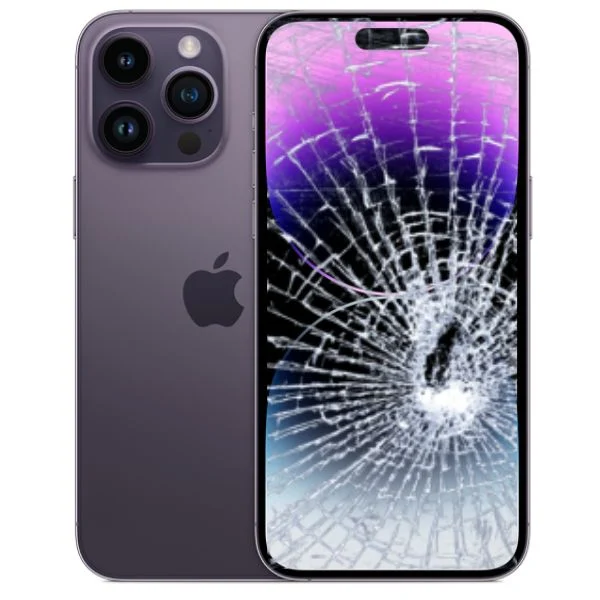
- Wi-Fi stopped working after an accidental drop
- Wi-Fi problems appeared after liquid exposure
- Wi-Fi connectivity became unreliable after a previous repair
🛠️ iPhone 16 Wi-Fi Repair
Not every Wi-Fi problem requires hardware repair. Network settings, software issues, router problems and environmental factors can also affect connectivity.
The diagnostic process may include:
- Wi-Fi functionality testing
- Network connection testing
- Wi-Fi settings assessment
- Software and iOS checks
- Testing with different networks
- Physical damage inspection
- Liquid-damage assessment
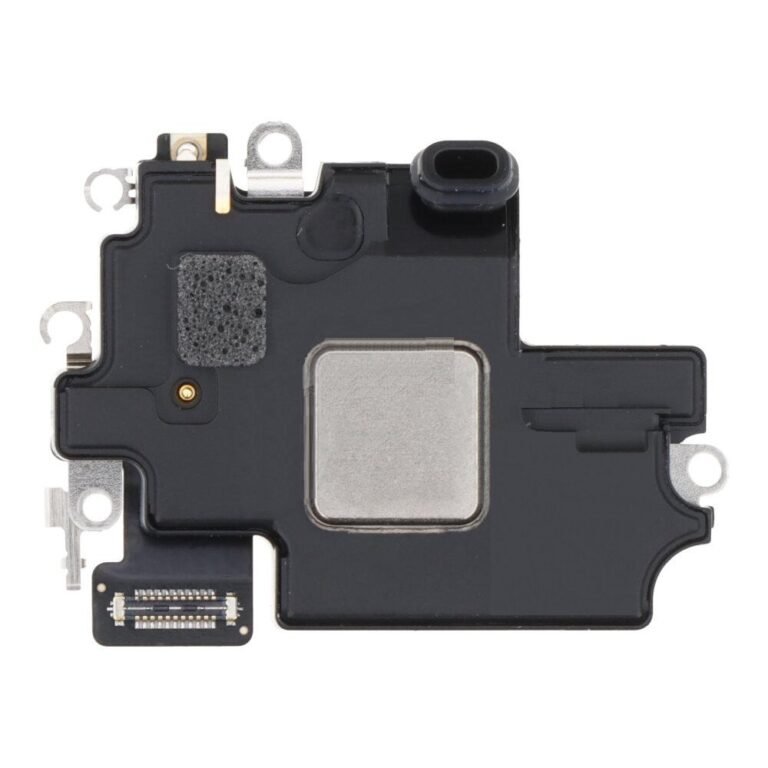
- Internal Wi-Fi hardware inspection
Based on the diagnosis, the appropriate troubleshooting or repair can be recommended.
⚙️ iPhone 16 Wi-Fi Not Turning On
If the Wi-Fi option cannot be enabled or behaves unusually, the device can be checked for software and hardware-related causes.
The phone can be tested before deciding whether internal hardware repair is required.
📡 Wi-Fi Keeps Disconnecting
Repeated disconnections can be caused by the phone, network configuration or the Wi-Fi environment.
Testing the iPhone 16 with different wireless networks can help determine whether the problem is specific to the device.
🐌 Slow Wi-Fi on iPhone 16
If Wi-Fi is connected but internet speeds are consistently poor, both the device and network connection should be considered.
Software settings and connectivity can be checked before hardware repair is recommended.
💥 Wi-Fi Problems After an Accident
A significant impact can affect internal connectivity components. If Wi-Fi stopped working after a drop or other physical damage, the device can be inspected for internal faults.
💧 Wi-Fi Problems After Liquid Exposure
Liquid exposure can affect internal wireless and connectivity components. If Wi-Fi problems appear after water or another liquid enters the phone, internal inspection may be required.
Avoid repeatedly charging or using a device with suspected liquid damage until it has been assessed.
🔍 iPhone 16 Wi-Fi Diagnostic Inspection
Our technicians can test Wi-Fi functionality, network connectivity, software settings and relevant internal hardware to identify the likely cause of the problem.
The recommended repair depends on the actual fault found during diagnosis.
📍 iPhone 16 Wi-Fi Repair in Andheri East
Apple Repair Centre provides iPhone 16 Wi-Fi diagnosis and repair services for customers from MIDC Andheri East, Andheri East, Marol, Chakala, JB Nagar, Saki Naka and nearby areas of Mumbai.
Apple Repair Centre
Address: 204, 2nd Floor, Rehab Commercial Complex, near Ackruti Star, M.I.D.C, Andheri East, Mumbai, Maharashtra 400093
Phone: 7428774478 / 8655120666
Website: https://applerepairmumbai.com/
Google Maps Navigation: https://maps.app.goo.gl/psznZrZrMLm8w5gg6
📞 Get Your iPhone 16 Wi-Fi Checked
If your iPhone 16 Wi-Fi is not turning on, keeps disconnecting, cannot find networks or has unusually poor connectivity, contact Apple Repair Centre in MIDC Andheri East for a Wi-Fi diagnostic inspection.